
Segmented Bowls · iPhone and iPad
Tailstock
Design a segmented bowl ring by ring and get every segment length and miter angle before you cut.
For woodturners, from your first segmented ring to a showpiece bowl.
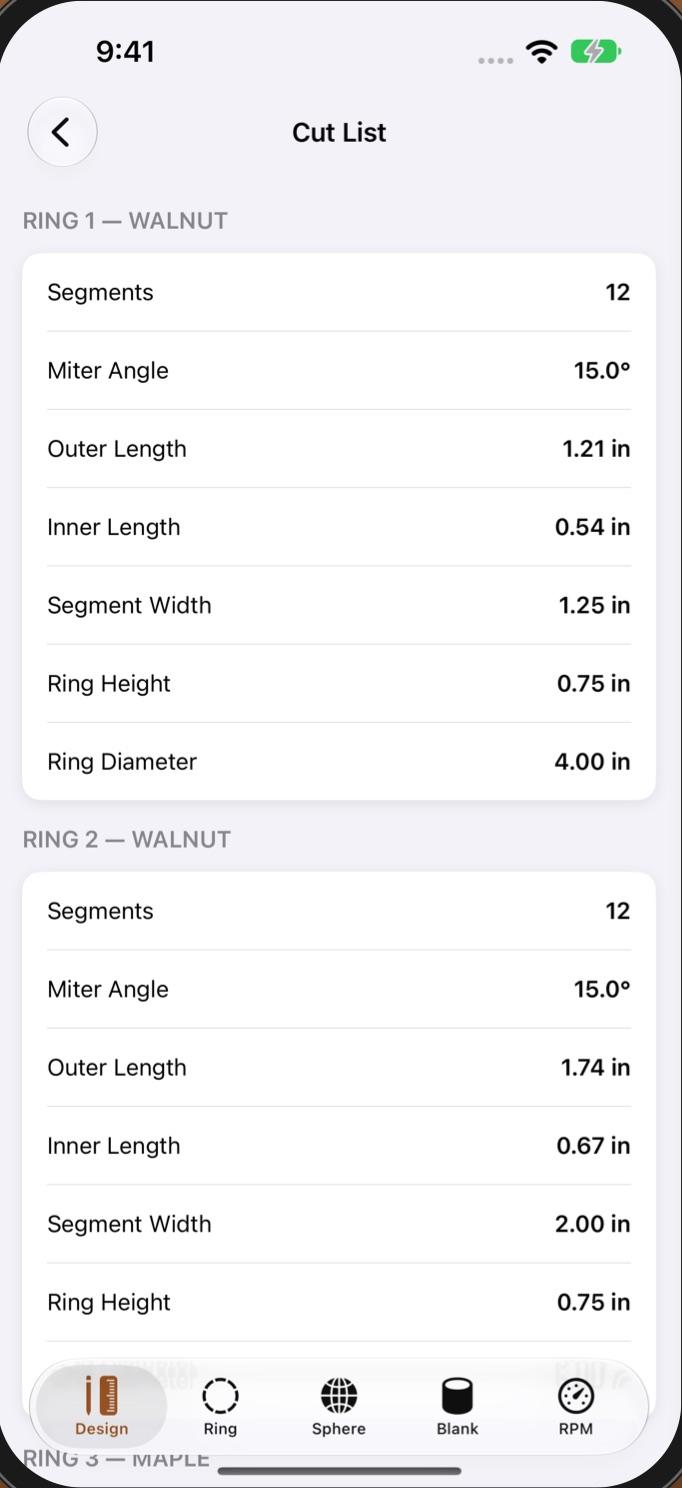
Every cut, ring by ring
Segment lengths and miter angles
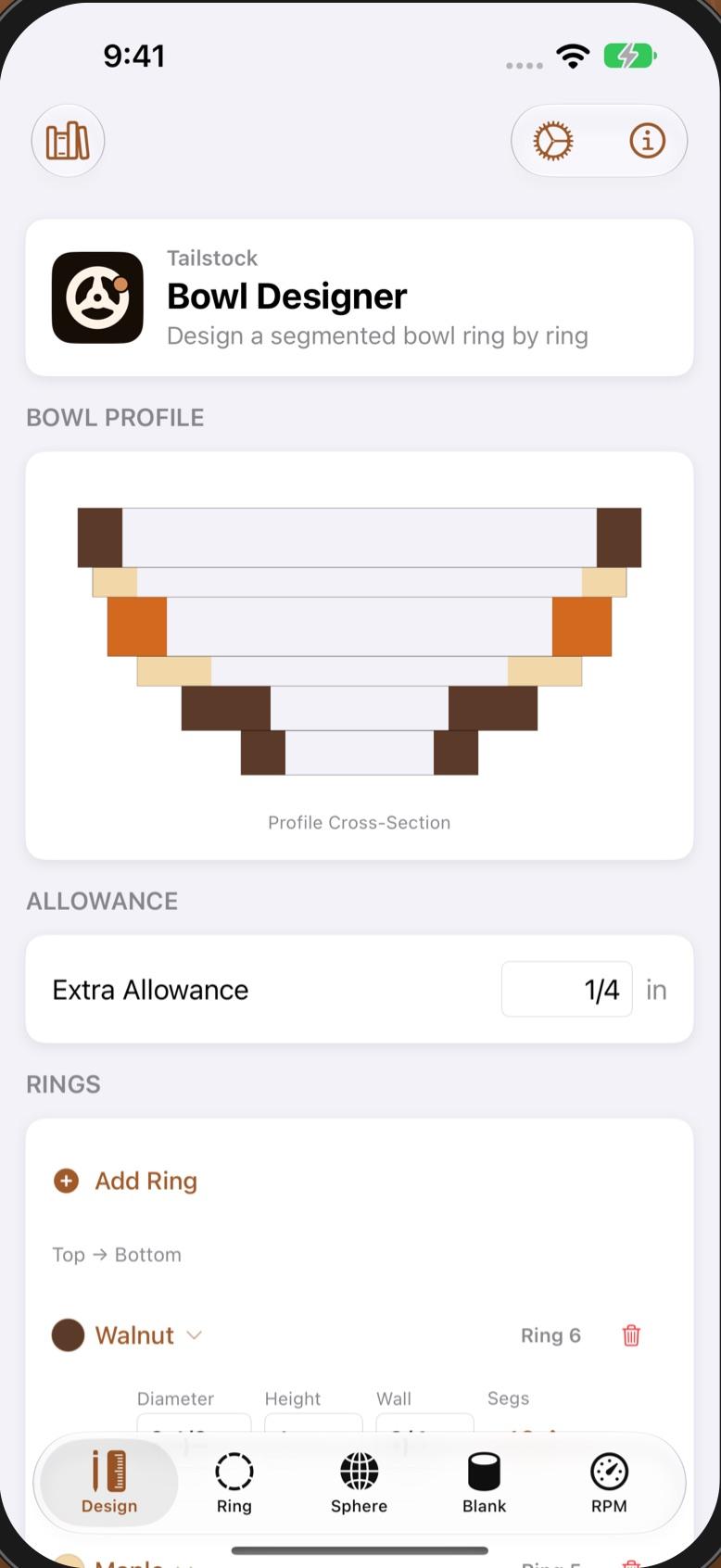
Design segmented bowls
Ring by ring, with a live profile
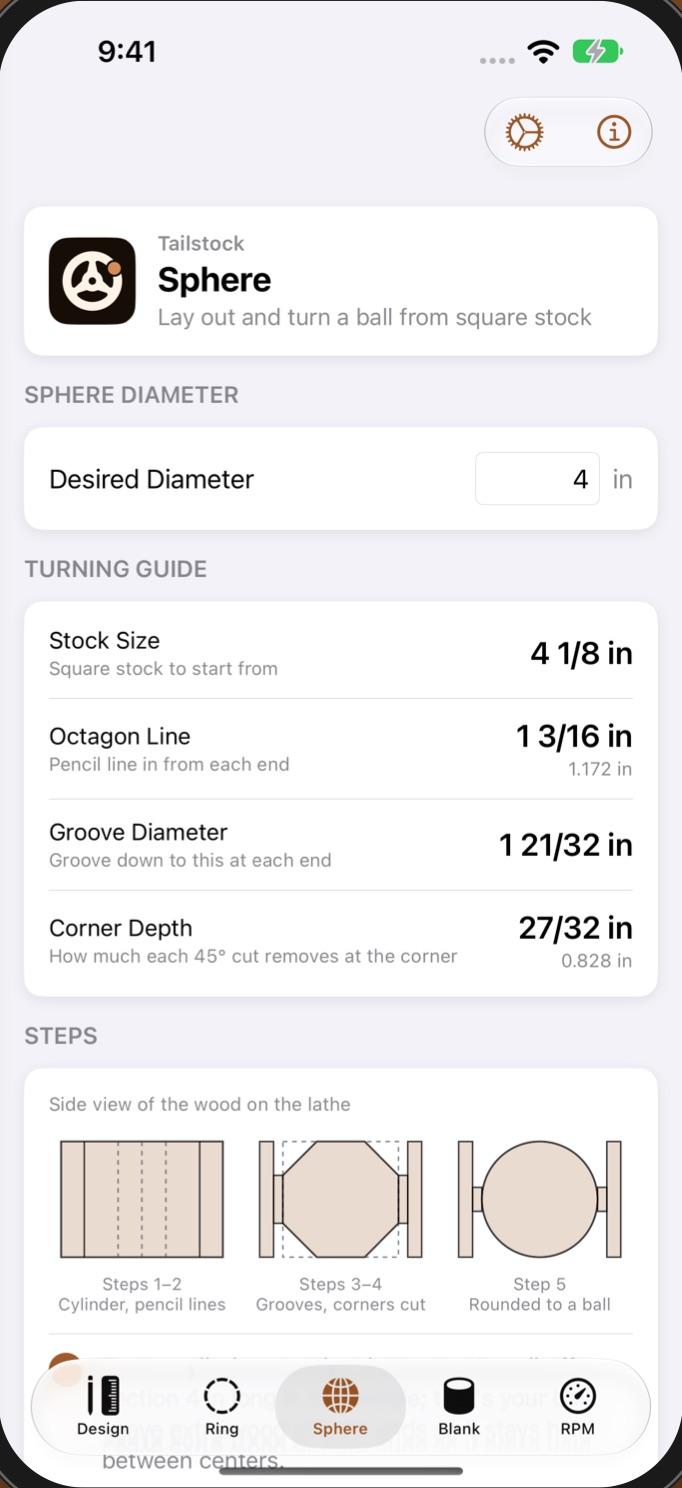
Turn a sphere, step by step
The octagon method, every mark
Measure twice. Turn once.
- 01
Design a segmented bowl
Stack rings and set each one’s diameter, height, wall thickness, segment count and wood, and watch the profile as you go.
- 02
Cut any ring
The miter angle, segment lengths along the outside and inside edges, and segment width.
- 03
Turn a sphere
The octagon method: the cylinder to turn, where to mark the octagon lines and how far to groove each end.
- 04
Size a bowl blank
The biggest bowl a log will give you, flat rim or natural edge, with extra for green wood.
- 05
Set the lathe speed
Starting, roughing and finishing RPM for any diameter. Start slow, finish fast.
Free to start.
Free
- Ring, sphere, bowl blank and lathe speed, with no limits
- The bowl designer, up to 4 rings, with its cut list
- Save a bowl design and share it as an image
Tailstock Pro
- Unlimited rings in the bowl designer
- Unlimited saved bowl designs
- No watermark on shared bowl images
One-time purchase. No subscription, no account.
Shop Pass
Pro in all three. Pay once.
Buy Shop Pass in any of the apps and the others unlock too, on every device signed in to the same Apple Account. One-time purchase. No subscription, no account.